Raw screenshots in.Store‑ready listings out.
Frames, captions and 44 languages — exported at every App Store and Google Play size in one click. No templates, no uploads.
Free to try · first export fully unlocked · macOS 26+
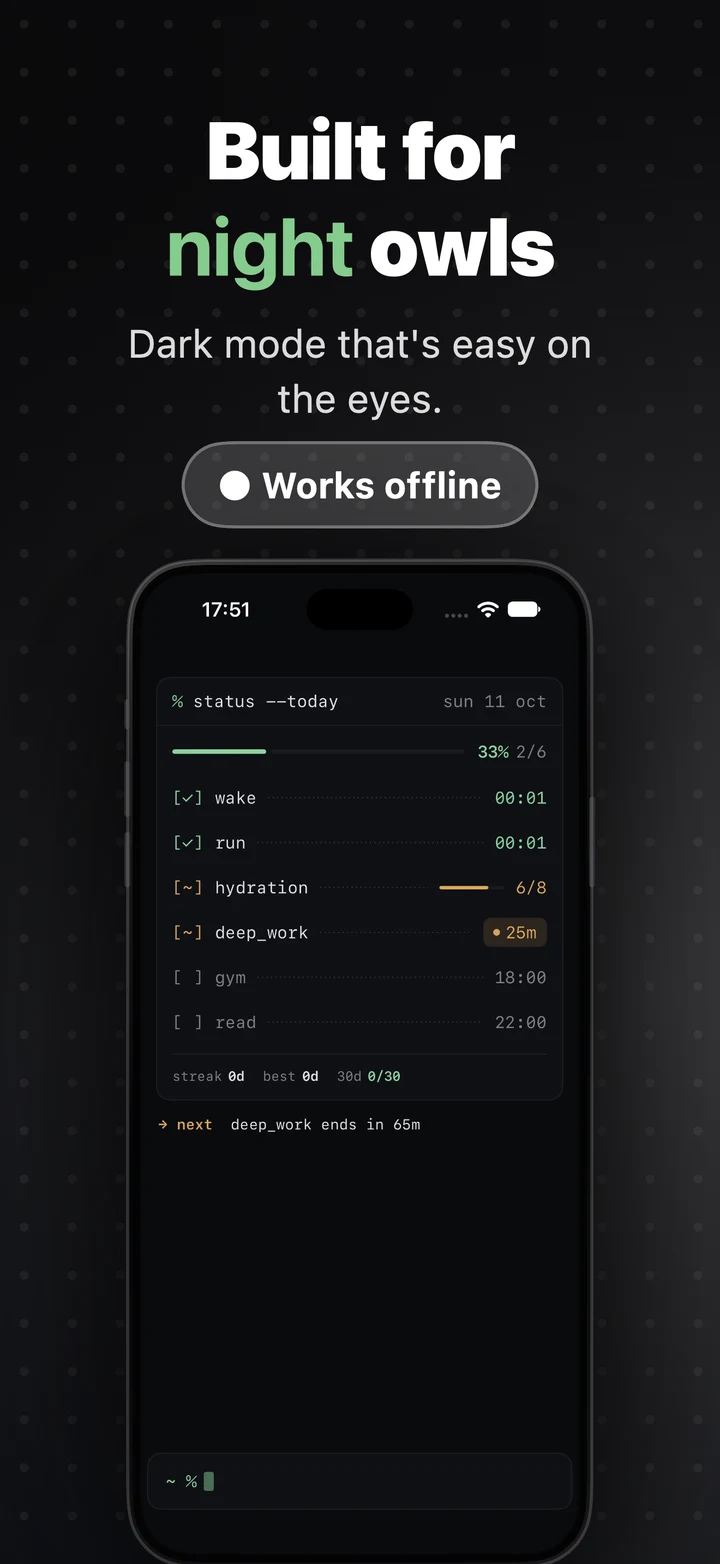
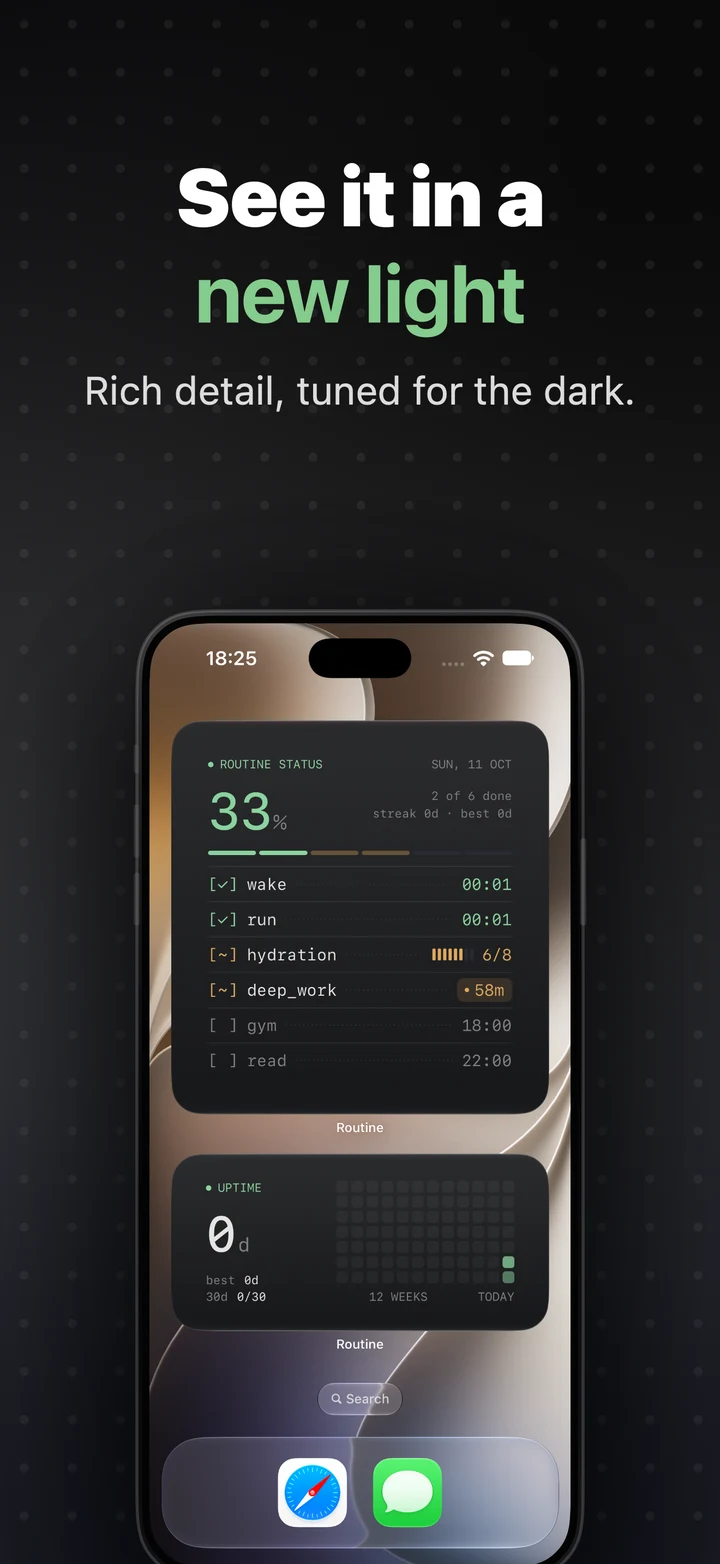
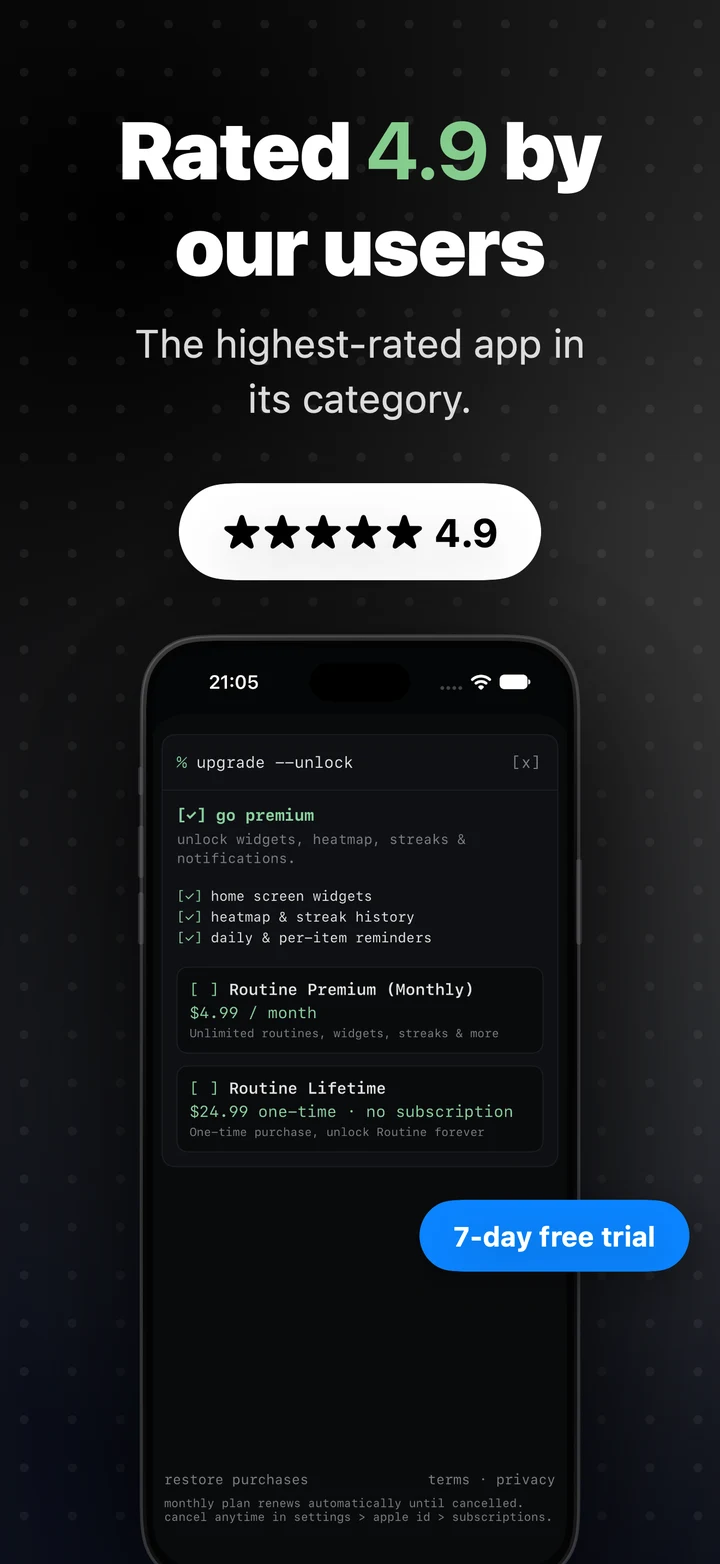
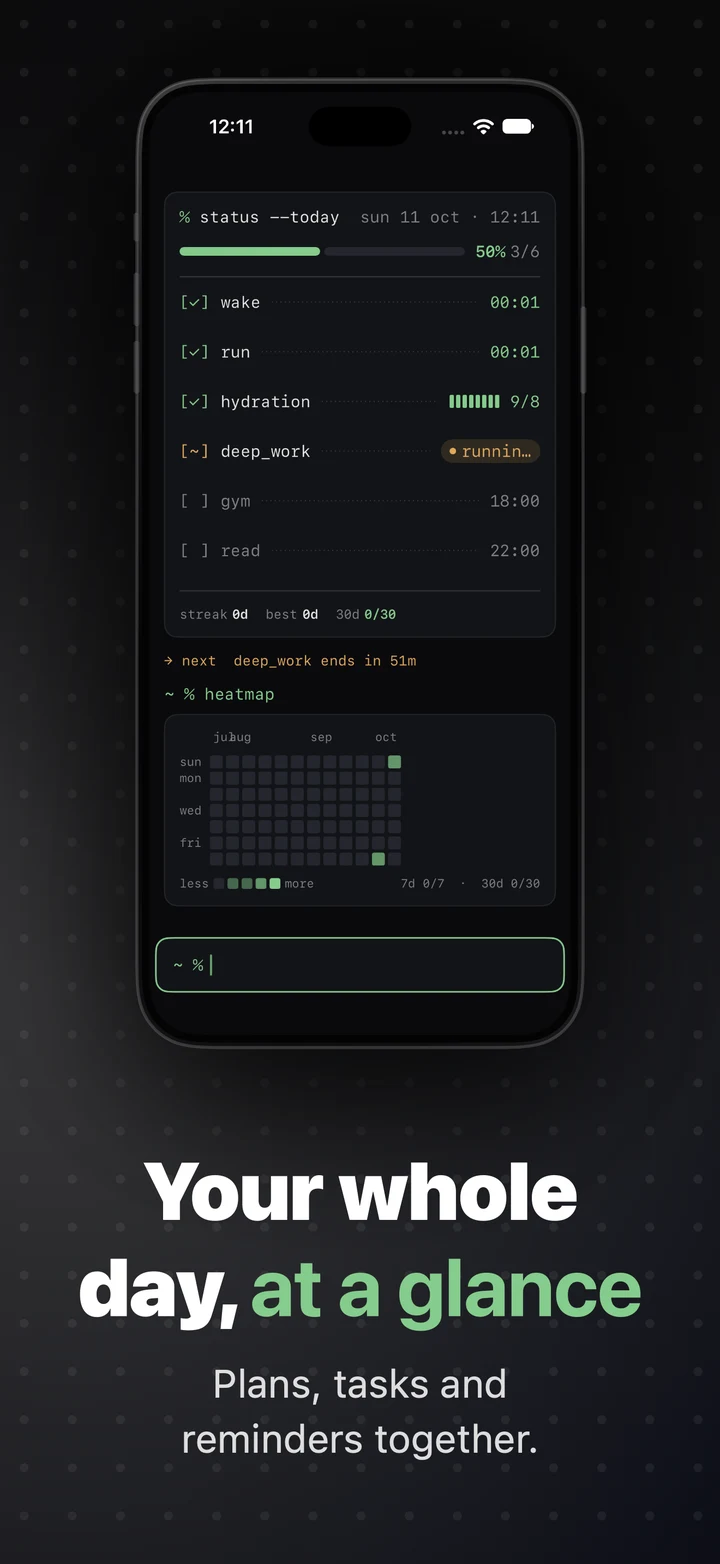
Same pixels.
A completely different story.
Drag across the slide. Left: a plain Simulator screenshot. Right: the same image after one pass through ScreenKit.
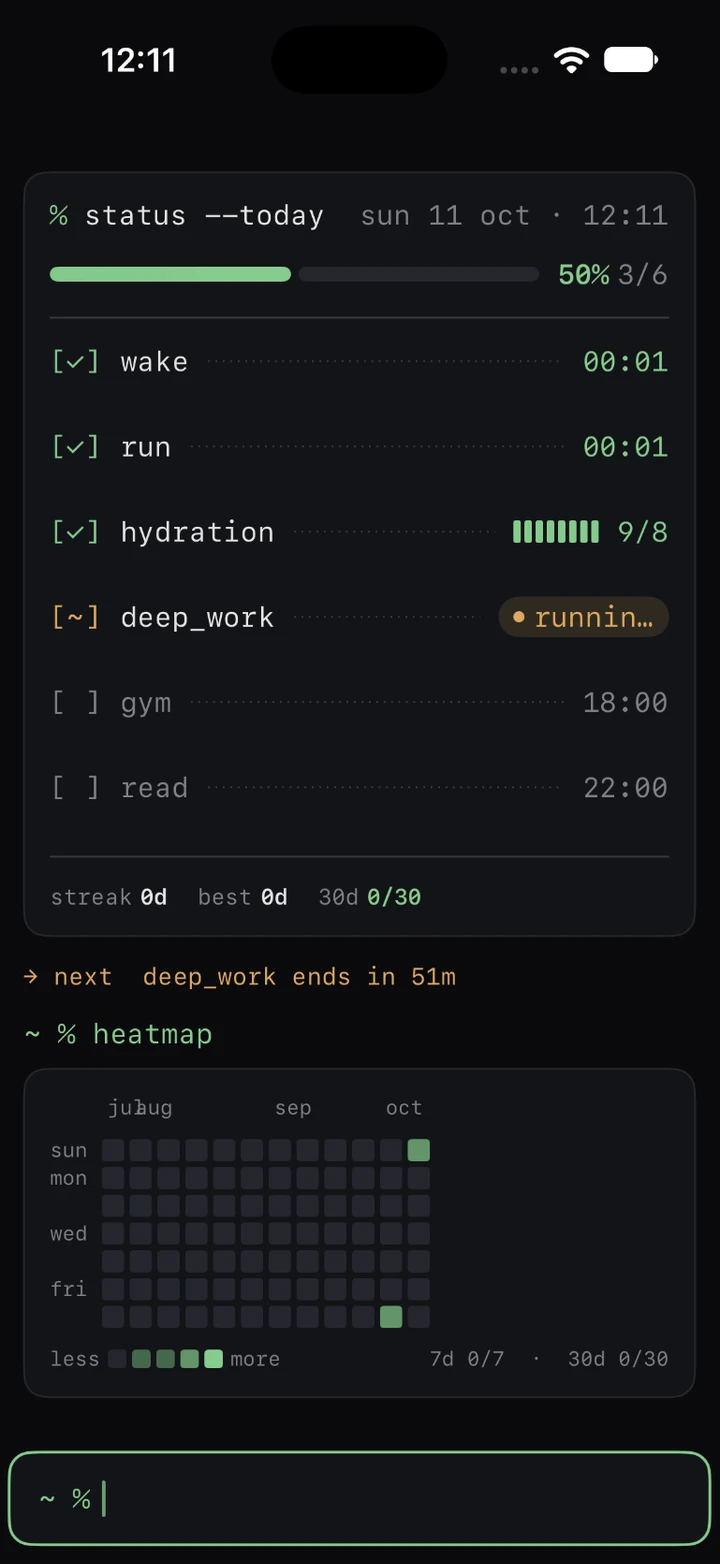 BeforeAfter
Write it once.
Ship it in 44 languages.
One click translates every title, body and highlighted word — on-device for free, or with DeepL, Google or Claude using your own key. Lines you fix by hand are never overwritten.
Everything a listing needs.
Nothing it doesn’t.
No Figma file to maintain, no web service to upload an unreleased app to. Just the tools a listing actually uses.
Frames with real depth
Drawn iPhone, iPad and Pixel frames tilt in 3D with lit metal edges — or import Apple’s own bezels.
18 layouts in three tiers
Simple, Classic and Premium, each with its own type and colors. Switching keeps your screenshots.
Text placed like a layer
Drag captions anywhere, snap to the centre lines, set the width. One highlighted word follows into every language.
Badges and labels
Ratings, “NEW”, “Editor’s Choice”, “7-day free trial” — placed per slide.
Backgrounds with character
Solid, linear, radial or mesh gradients, with dot, grid or line patterns.
Review every language
Missing text and lines that wrap or overflow are flagged, measured with the real fonts. Arabic and Hebrew run right-to-left.
Exports that drop straight in
Opaque sRGB PNGs in App Store Connect locale folders — the files match the preview exactly.
Local and private
No account, no uploads. A whole listing, screenshots included, lives in one .screenkit file.
Try everything. Then decide.
Your first export unlocks every language, size and layout — so you judge the real output before paying anything.
- English captions
- iPhone 6.9″ export
- Simple layouts
- Unlimited screenshots
- Every style and device control
- All 44 languages + one-click translation
- iPad and Android sizes
- Classic and Premium layouts
- Unlimited exports
- Up to 3 Macs
Questions
Are my screenshots uploaded anywhere?
No. Everything runs on your Mac. The only network calls are translations you choose to run with DeepL, Google or Claude.
Can I use Apple’s official device frames?
Yes. Download the bezels from Apple Design Resources and import them with ⇧⌘I. ScreenKit measures them and uses them unchanged.
What happens after my first export?
Free keeps English, iPhone 6.9″ and the Simple layouts. Pro unlocks every language, size and layout again.
How do I activate Pro?
After checkout you get a license key by email. Paste it in ScreenKit ▸ Settings ▸ Pro.
What do I need to run it?
A Mac running macOS 26 or later.